Note: molds, copies and the Active switch
A short note from stage 2, about delivery 6.
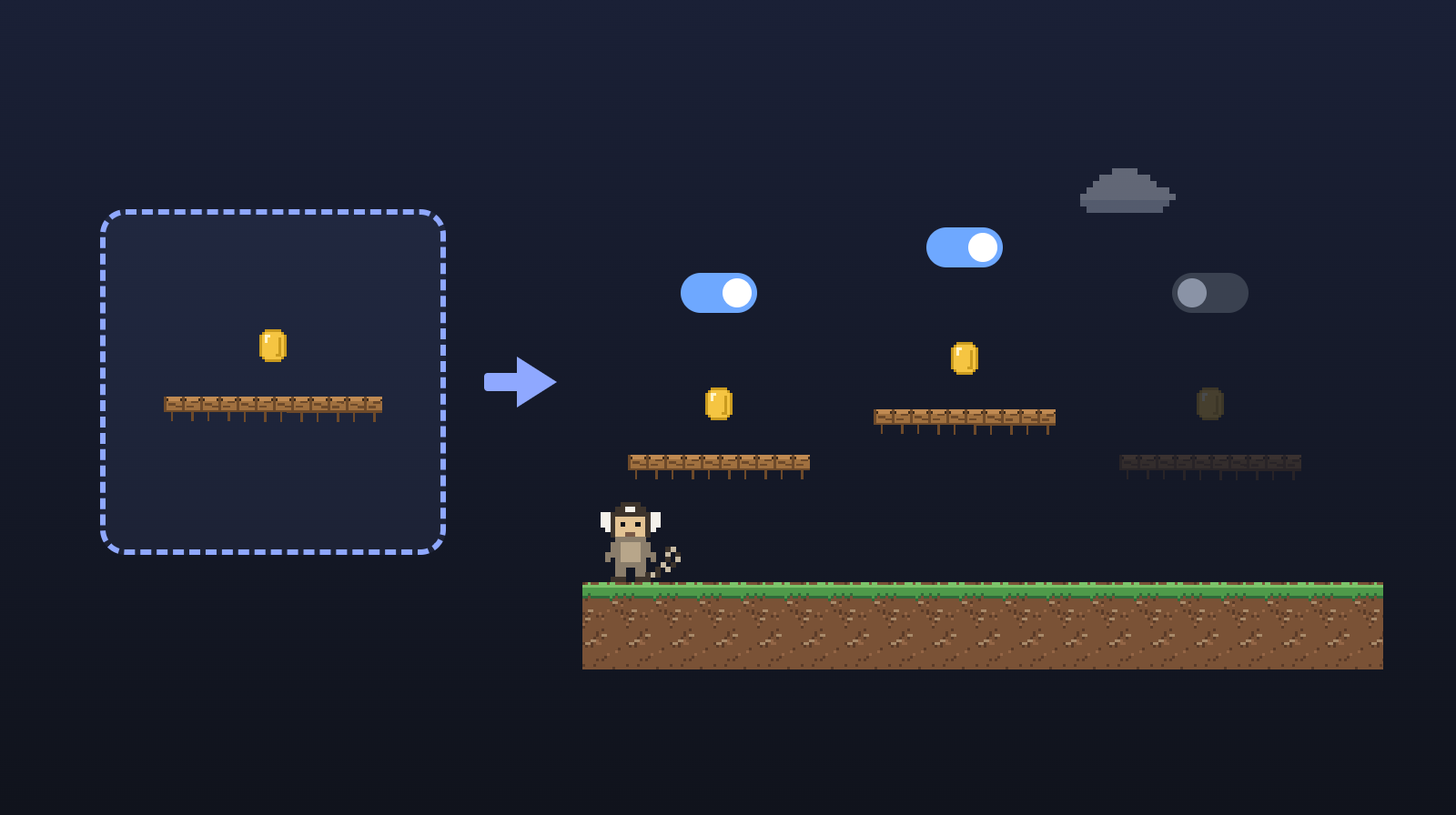
In the note about the level format, the player lived in a mold (the prefab of other engines): a file with a ready-made piece, which the level repeats as many times as it likes. In this delivery, molds gained differences, variants and molds inside molds. For now, all of this lives in the files and in the engine; working with it in the editor comes in stage 5.
 (opens in a new tab)
Copies with differences
Each copy keeps only what changes from the mold. Three bats from the same mold can have different colors. If you change the size in the mold, all three change, and each one keeps its own color. The copy goes over a value of the mold (an override).
You can also make a variant: a mold that starts from another one and changes a few things, like a fire bat, which is the bat with another color and faster. And a mold can have others inside it: a room with two bats, and the level with three rooms.
Names that don't break
Each piece inside a copy gets an ID (a code that identifies the piece and never changes), computed from the copy's ID and the piece's ID in the mold. That is why renaming a piece in the mold doesn't break the copies' differences. Godot started doing something similar in version 4.6, with an ID stored in each node (the name Godot gives to its pieces).
And when it becomes possible to break a copy apart, turning its pieces into ordinary pieces of the level (in stage 5), they will keep the same IDs. Nothing that pointed to them will be lost.
The Active switch
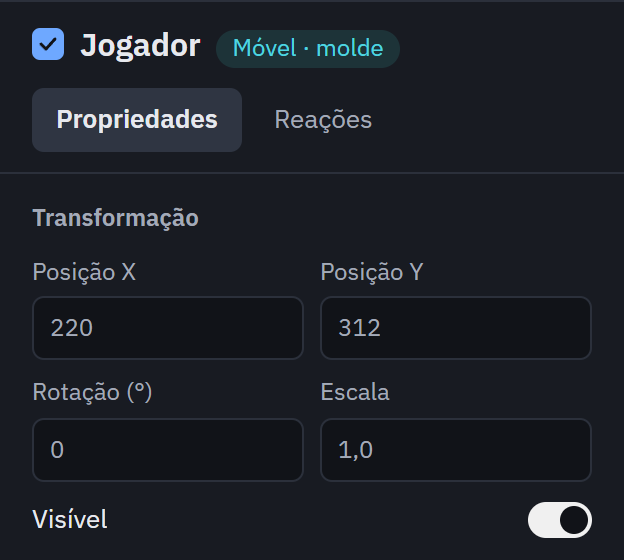
Sometimes a part of the game needs to disappear for good and come back later: the door that only appears once the key is picked up, the enemy that only joins in the second wave. Every piece now has the Active property. In the editor, it will be a checkbox next to the name.
 (opens in a new tab)
Turned off, the piece and its children leave the game: they don't show and don't run. When physics and the script (the code that gives a piece its behavior) arrive, it also won't collide or receive events, the notices such as "the player touched it", and a script will be able to turn it back on.
Other engines solve this in different ways (checked in Unity 6.6 and Godot 4.7):
- In Unity, it is a single switch (
SetActive): turning an object off turns off its children, stops its scripts and takes it out of the drawing and of collisions. - In Godot, there are two.
visiblehides the piece, but it keeps running and colliding.process_modemakes it stop and, by default, takes it out of collisions. To take it out for good, you change both. That is on purpose: there, hiding and stopping are separate things.
We went with Unity's way: a single switch that does what you expect. Visible stays, to hide without stopping, like an invisible ghost that still walks around.
In a copy, turning off a piece of the mold is just one more difference: the bat in the third room can come without a wing.
What comes next
Delivery 12: the Performance panel, with the frames per second and other numbers of the game while it runs, in the editor and in the game's window. Then delivery 7: the game's style (pixel art or HD), the screen's scale and the camera that follows the player.