Note: the Performance panel, and why a frame is not a step
A short note from stage 2, about delivery 12. The numbers are provisional, measured on my PC.
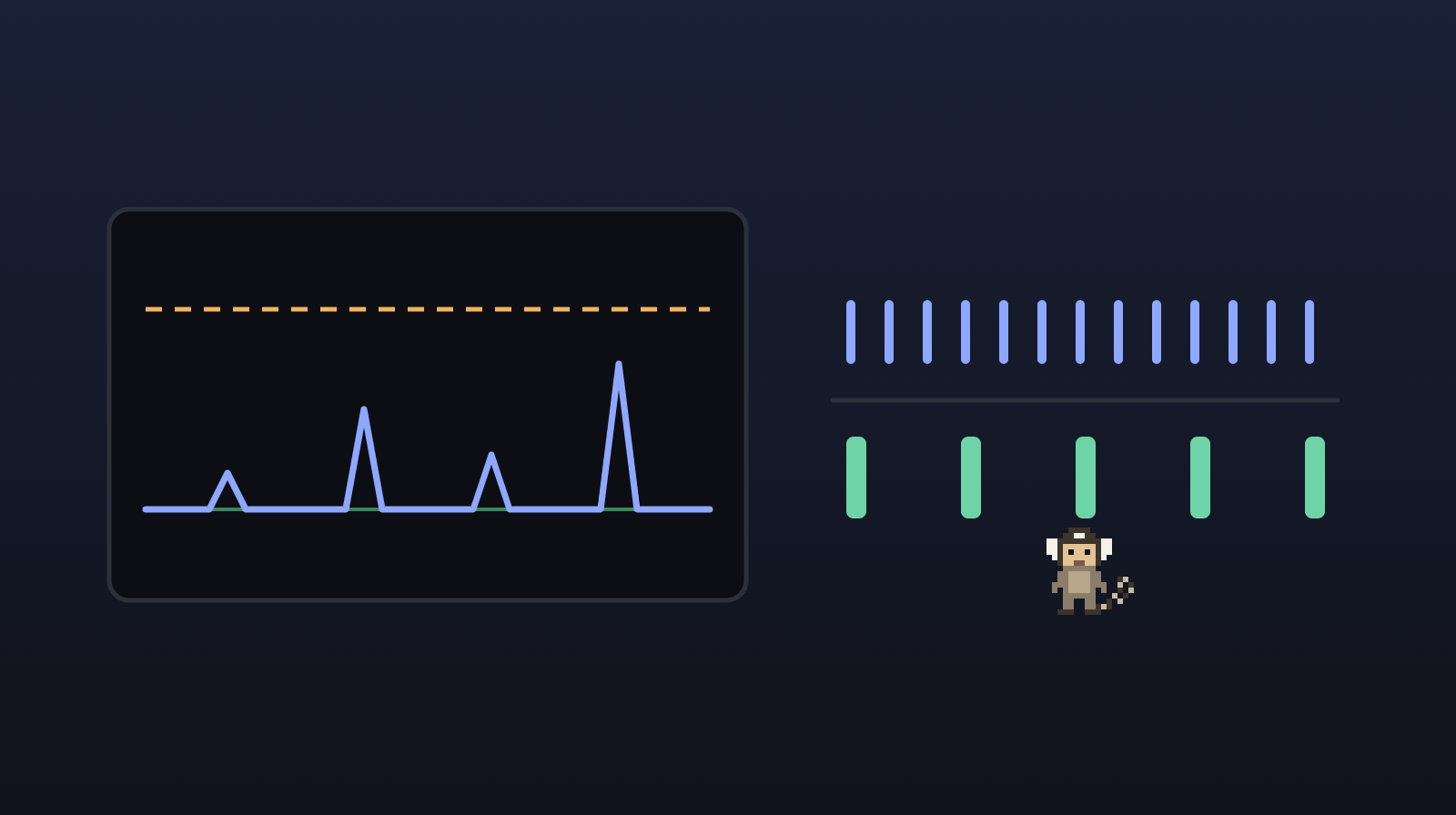
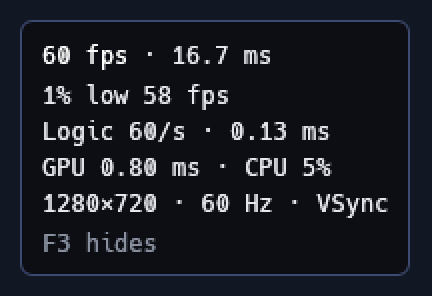
When you press Play, you can now see how the game is doing inside. The editor got the Performance panel, a tab beside the Console, and the game window got a small box with the main numbers, which F3 turns on and off. The delivery was born from a request in the middle of the stage and went ahead of delivery 7.
 (opens in a new tab)
A frame is not a step
The first question on seeing the panel was: "would a step be FPS?". It is not.
- A frame is each image that shows up on the screen. How many frames come out per second (the FPS, frames per second) depends on the monitor and the graphics card: 144 on a 144 Hz monitor (which shows 144 images per second), 60 on a 60 Hz one.
- A step is each time the game's logic runs: walking, jumping, colliding. There are always 60 per second (or 120, if the project chooses so), on any PC, and that is what makes the game give the same result everywhere.
Between one step and the next, the drawing only smooths the movement. That is why the panel shows both, and the steps' column is called Logic.
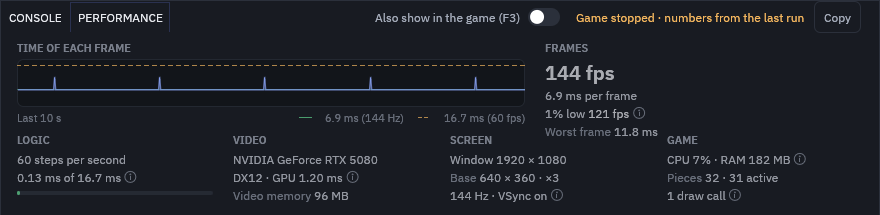
What the panel shows
- Frames: the FPS, the time of each frame and the graph of the last 10 s. And the 1% low, the average of the slowest 1% of frames: if the average is 144 and the 1% low is 60, the game stutters now and then, even when it looks fast.
- Logic: how much of a step's time, 16.7 ms, the logic uses (a ms is a thousandth of a second).
- Video: the card, its time to draw a frame and the video memory.
- Screen: the resolution, the pixel art scale, the monitor's refresh rate and VSync, which makes the game wait for the monitor to show each frame, with no tearing in the image.
- Game: the CPU (the processor), the memory and how many draw requests (the draw calls) go to the card each frame.
A Copy button takes it all, with the version and the card, to paste into a bug report.
 (opens in a new tab)
What the tester found
Measuring must not get in the way. The game measures all of this outside the logic, measuring costs about 0.04 ms per frame, and the game's result stays identical with the panel on or off.
The tester, the checker who took no part in the work, found two curiosities. The panel showed 61 FPS at 60 frames per second almost half of the time: counting the frames of the last second sometimes caught one too many. Now, in the game window, the FPS comes from the average time of each frame, and the 61 is gone. And, in a window with little height, the panel's last line was cut off. Now, when there is not enough height, the graph goes away and the numbers stay whole.
 (opens in a new tab)
What comes next
Delivery 7: the game's style (pixel art or HD), the screen scale and the camera that follows the player.